

How's Your Digital Hygiene?
Learning how to create a healthy relationship with our devices from a tech anthropologist + digital organizer

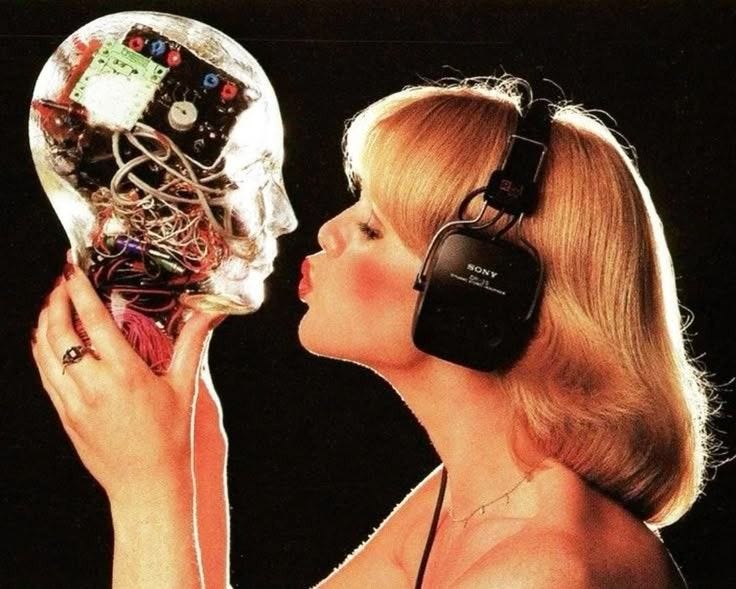

The only thing worse than the negative repercussions of increased technological innovation is reading a thinkpiece about said negative repercussions. I wouldn’t be surprised if screen time was the cause of 85% of my mental and physical problems, but I can’t bear the idea of writing the 805th futile takedown of the Big Bad Internet, not just because I think it’s corny, but because I don’t actually feel that way. I, for better or worse, like the internet. Or at least, I appreciate what the internet provides for me.
I don’t like feeling FOMO, or the way my thumb yearns for my email app, and I certainly do not like the elusive and terrifying threat of the ‘blue light’ boogeyman. But with the bad certainly comes the good; the digital universe has shaped my sense of humor, it’s connected me with people I admire, whom I’ve developed real, offline relationships with, it’s supported my income, and it’s allowed me to express my interests and curiosities with all of you through the written word (tongue-in-cheek and irony intended).
Hence, why I believe that the anti-tech stance is boring, reductive, and frankly lazy. So here I am, once again, begging for a semblance of nuance in this digital discourse (the lack thereof is arguably its biggest issue, now that I’m on the topic)1. As with most things in this world, we’re meant to hold two contradictory truths at the same time, striking a balance between the intentional use of tech and presence in the—god help me—analog day-to-day.

This is all rather idealistic, I know. These smart devices are, as advertised, clever; designed to keep us coming back to the warm glow of their false sense of companionship. It’s clear that everyone is trying to find their personal online threshold, as evidenced by the plethora of Brick-related headlines claiming this—and lest we not forget—piece of technology helped writers “win the war against their phones,” offering “an antidote to doomscrolling.”
Despite all of the life-changing reviews, I’ve never been less interested in a product than the Brick. Instead, I’m much more interested in developing systems that maintain my humanity while using the internet, reducing digital clutter, and enhancing productivity so I can be free to live my life, without the shackles of the Google Suite apps. So when I met Jésabel, a digital organizer who’s helped some highly respected businesswomen create high-functioning workflows for long-term success (read: time offline), I knew we’d need to have a few words.
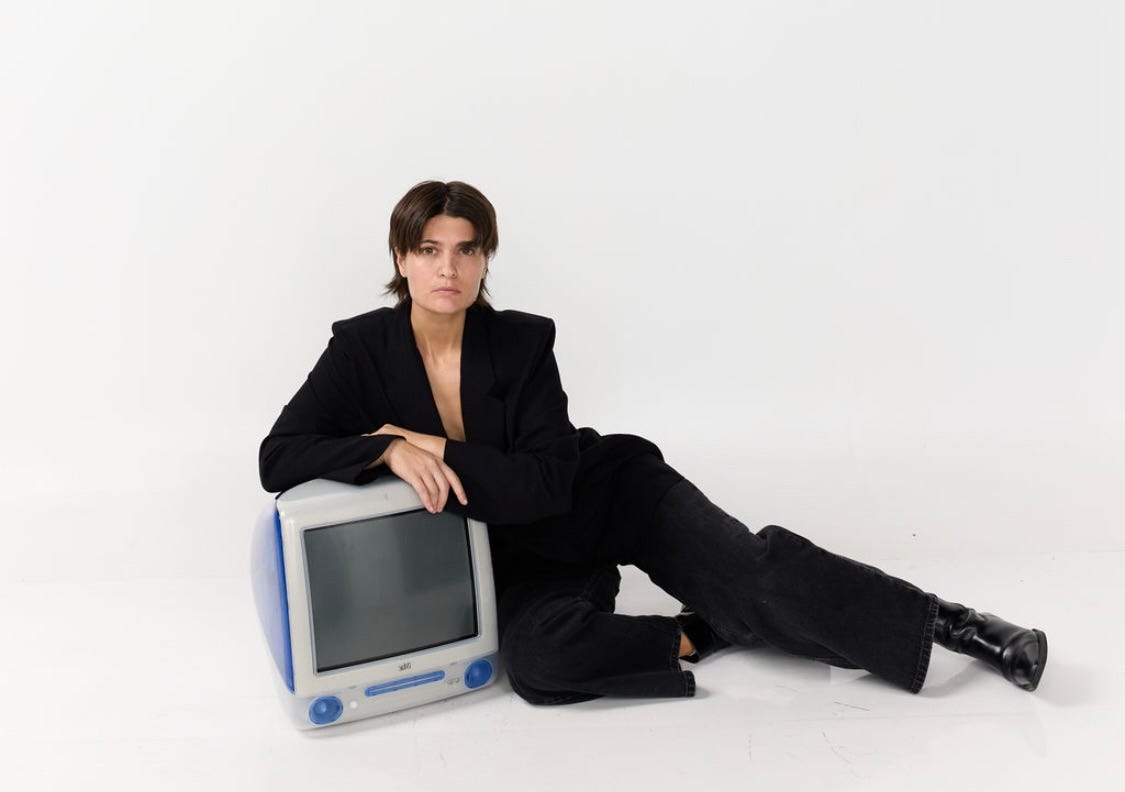
Jésabel DC is a tech anthropologist and digital organizer whose work focuses on the human-technology relationship. Through client sessions, workshops and her Substack, Lifestyle Anthropology, she translates research and cultural analysis into hands-on practice, showing what a nervous-system-friendly digital life can look like—and how to actually build one.
I’m so fascinated by Jésabel’s work, not just because she’s a pro at creating good digital hygiene, but because she’s constantly thinking about the ways our relationships with technology signals something deeper within us as individuals. I’m now highly conscious of the fact that the longer this is, the more screen time you’ll have, so without further ado, Jésabel’s tips for healthy digital well-being.
You’re a self-proclaimed tech anthropologist and digital organizer. Can you add a little color to those titles?
Tech anthropologist means I study how people actually live with technology—how it shapes our habits, stress levels and sense of time. Digital organizer is the applied side of that work, taking those observations and turning them into low-tech systems and boundaries that help people use technology in a way that supports their nervous system.
I’ve clocked over 2,400 hours of field work observing people inside of their digital spaces. I’ve worked with hundreds of clients and have hosted workshops for audiences like Girlboss, Condé Nast and next month, I’ll be in Austin speaking at SXSW debuting my newest keynote: The Future is Low-Tech: Lessons from the Early 2000s. More on that in a bit. 📟
How do you typically work with clients?
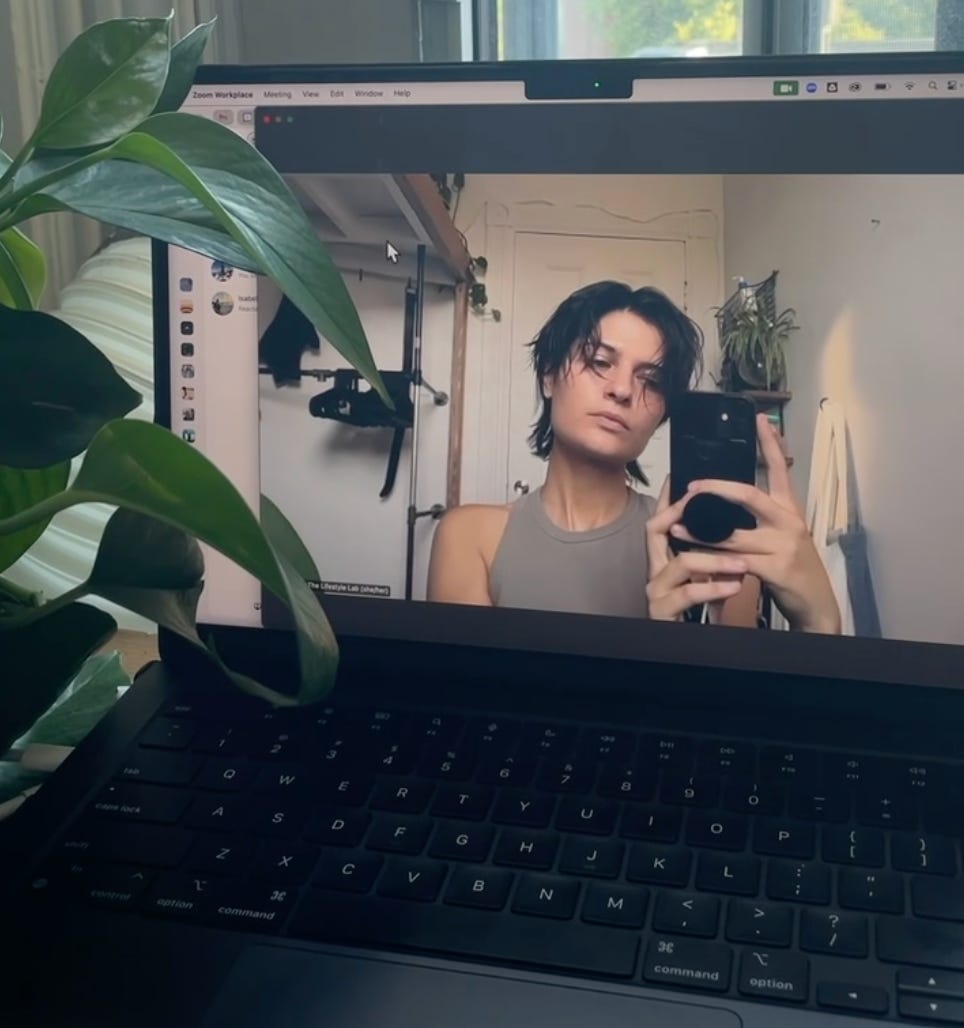
I work with clients on Zoom, organizing with them rather than for them.
We start by looking at how they naturally search, think and move through their digital spaces. Then build simple, flexible systems for desktops, inboxes, calendars, files, notes, phones and workflows.
My goal for my clients isn’t to make them more productive—it’s to build a more human-focused digital environment that supports how they actually live, so they can spend less time online and more time in their real life, doing what they want to be doing.
We waste more time and energy than we think when our digital spaces are a mess. I want to eliminate all the unclarity of:
“Where’s that file again?”
“Why can’t I find that note on my phone, but it’s on my laptop?!”
“Where am I saving these types of files again?”
Most importantly, I help my clients build lasting skills and develop agency, so they’re not dependent on a system—they know exactly how to take control of their digital lives.
It’s not a novel idea that a cluttered space = a cluttered mind, so of course that notion pertains to our digital habitats. What do you find are the biggest offenders when it comes to a messy digital presence?
Hands down: default settings.
It’s WILD what you can do just by tweaking your settings on a device or platform.
When you first get on a device or platform, all the default settings are turned on, but we actually only use 20-40% of them yet we live with the visual clutter and distraction of the other 60% every single day.
My favorite example is what you can do in Gmail just by tweaking 10 default settings. I show people how to do it in just 8 minutes in my this workshop.
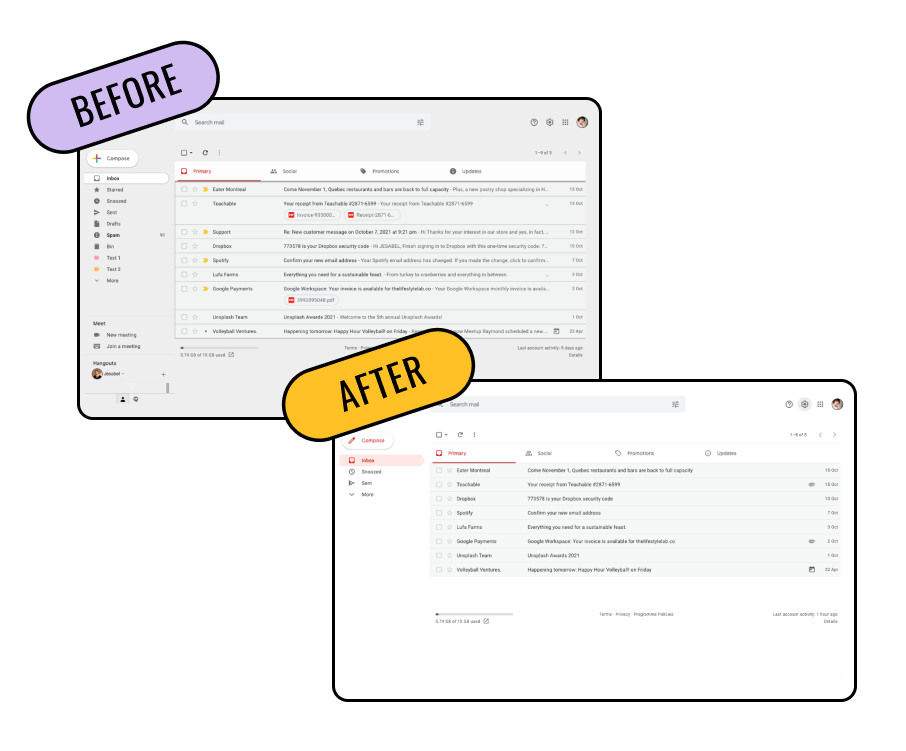
The result is pretty wild—because you stare at your screen for hours a day, and all that extra information is creating cognitive overload that is totally unnecessary.
It’s funny because most of us naturally modify our physical spaces. Like when we get on the plane and we take out our warm socks, pull out a book, put a pillow around our neck. But we forget that we have the power to make ourselves more comfortable in the digital spaces we inhabit, too. Play around in your settings—you won’t regret it!

What differences do you see in mental (or even physical) well-being after cleaning up our computers and phones?
On a physiological level: a much calmer nervous system. If you know what to expect and have taken the time to tweak your digital environments, you feel in control. If you feel in control, your nervous system is calm.
On a lived experience level: quicker in-and-out of screen time. If you know where things are, you don’t waste time finding things or putting things away, and you don’t get distracted along the way. That means you get in to do what you had to do, then you can put down your device and go on with your life.
Similarly, what is the most rewarding part of your job?
I work mostly with women, most of whom have ADHD, and it brings me so much joy to see them navigating their digital lives with calm and control. The world is built for men, we know that. And the digital world is much more destructive to women’s nervous systems than it is for men. (Not that it’s not—don’t get me wrong, technology can have horrible effects on all of us.)
But being able to work with women who previously felt defeated by the chaos of their digital lives and seeing them be able to create in peace, build businesses calmly and spend more time offline is so, so rewarding.
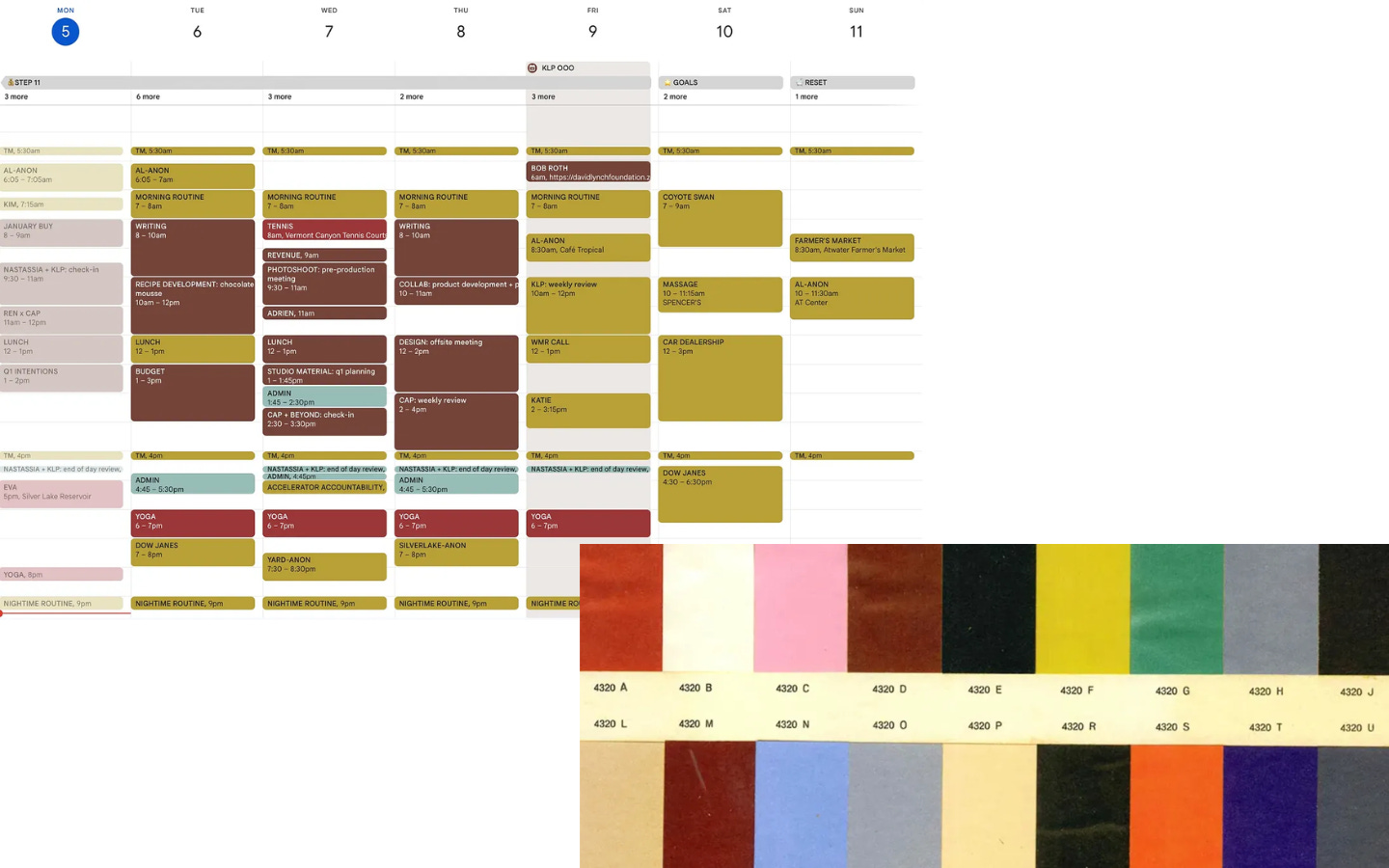
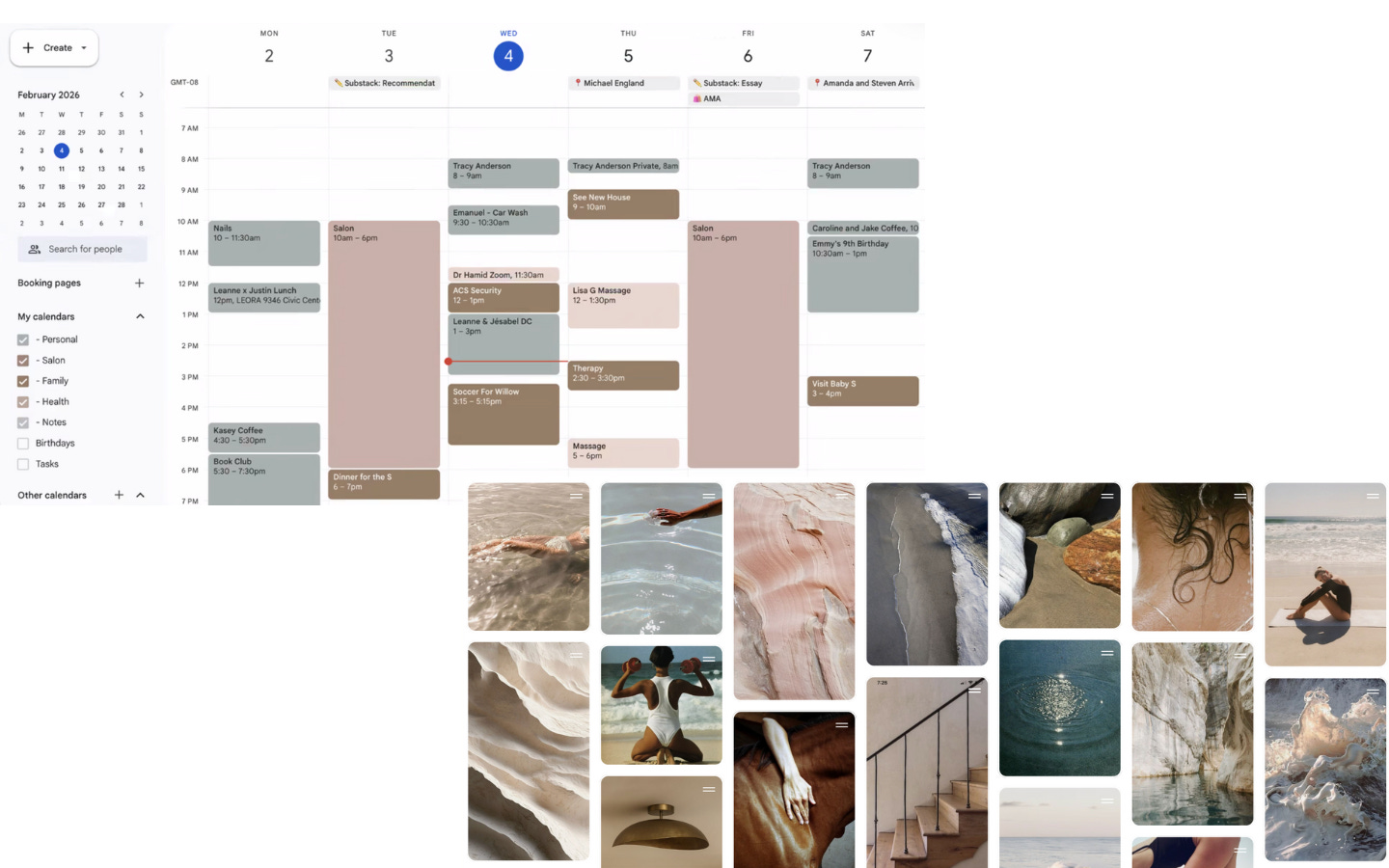
Not to mention how much I get inspired by the women I work with. Each has their own unique aesthetic, way of navigating the digital landscape and relationship to their digital environments.
Switching gears a tad with a hot button topic: what are your thoughts on the Brick? You knew we couldn’t get through this interview without mentioning it once.
It works for some, but for the type of people I usually work with—creative women; mostly with ADHD—these are my thoughts:
It’s outsourcing self-regulation to an object. I’m less interested in adding another object or rule and more interested in helping people build internal understanding and agency around their digital lives. Tools like the Brick introduce friction, which can be useful, but they don’t do anything to reconfigure the person’s relationship to technology.
What advice would you give to those of us who need to be on social media for work but who want to limit our time on these apps overall?
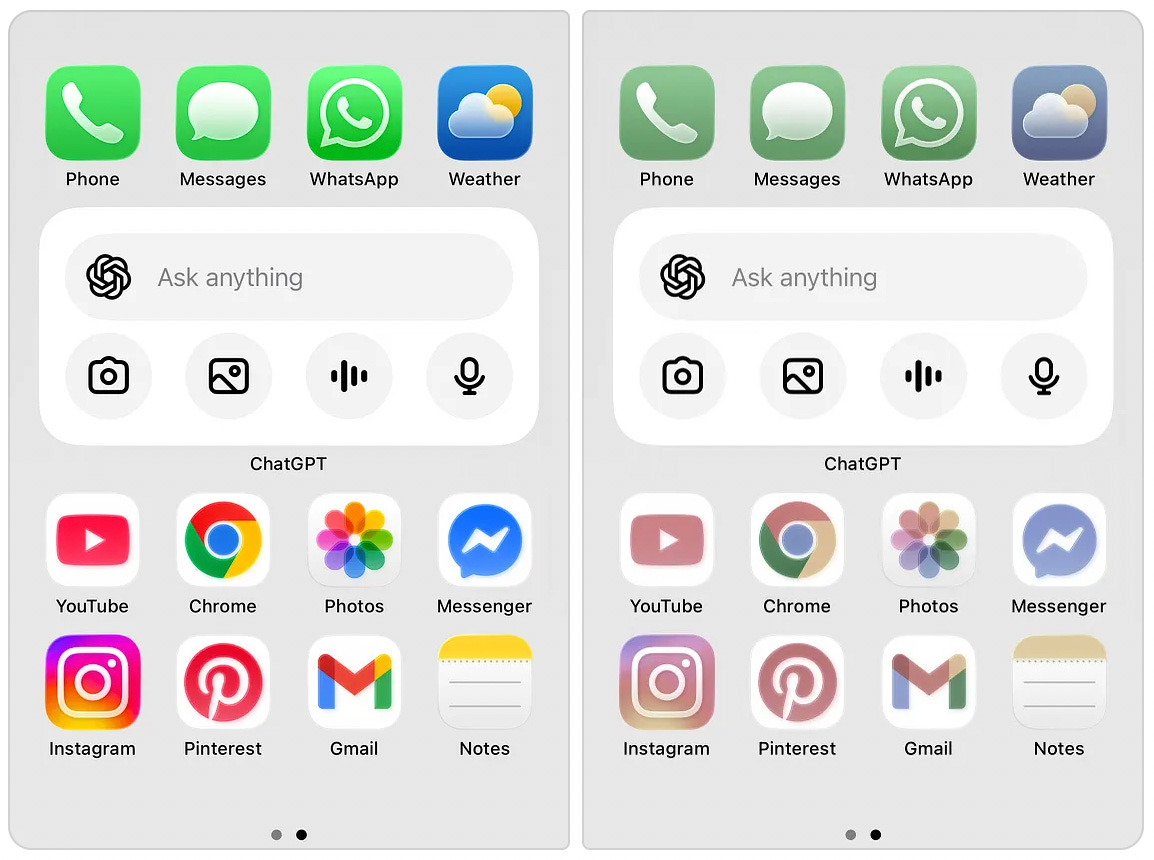
Social media can suck you in so easily because of how much dopamine it offers—the quick motions, the bright colors, the attractive sounds. One big thing you actually have control over is the bright colors.
My suggestion: Lower your phone’s saturation so you feel like what’s on your phone is dull and you’ll naturally want to get off (imagine that) instead of the rush of dopamine sucking you back in.
What are your favorite digital tools and systems?
My tech stack is very low-tech. I love digital tools that have little to no bells and whistles. My email, calendar and files are all in Google—Gmail, Google Calendar and Drive. And my notes (including my to-do list) are all in Apple Notes.
The reason I love low-tech is because the more high-tech features a platform has, the harder it is for you to understand and consolidate the information you’re putting into it. Think of when you’re in the plane writing inside your Notes—magic happens. But when you land and you’re back to using Notion, suddenly your inspiration dries up.
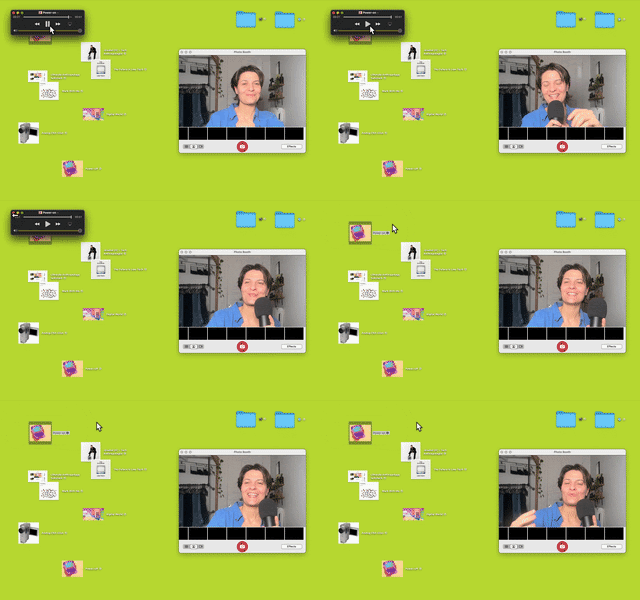
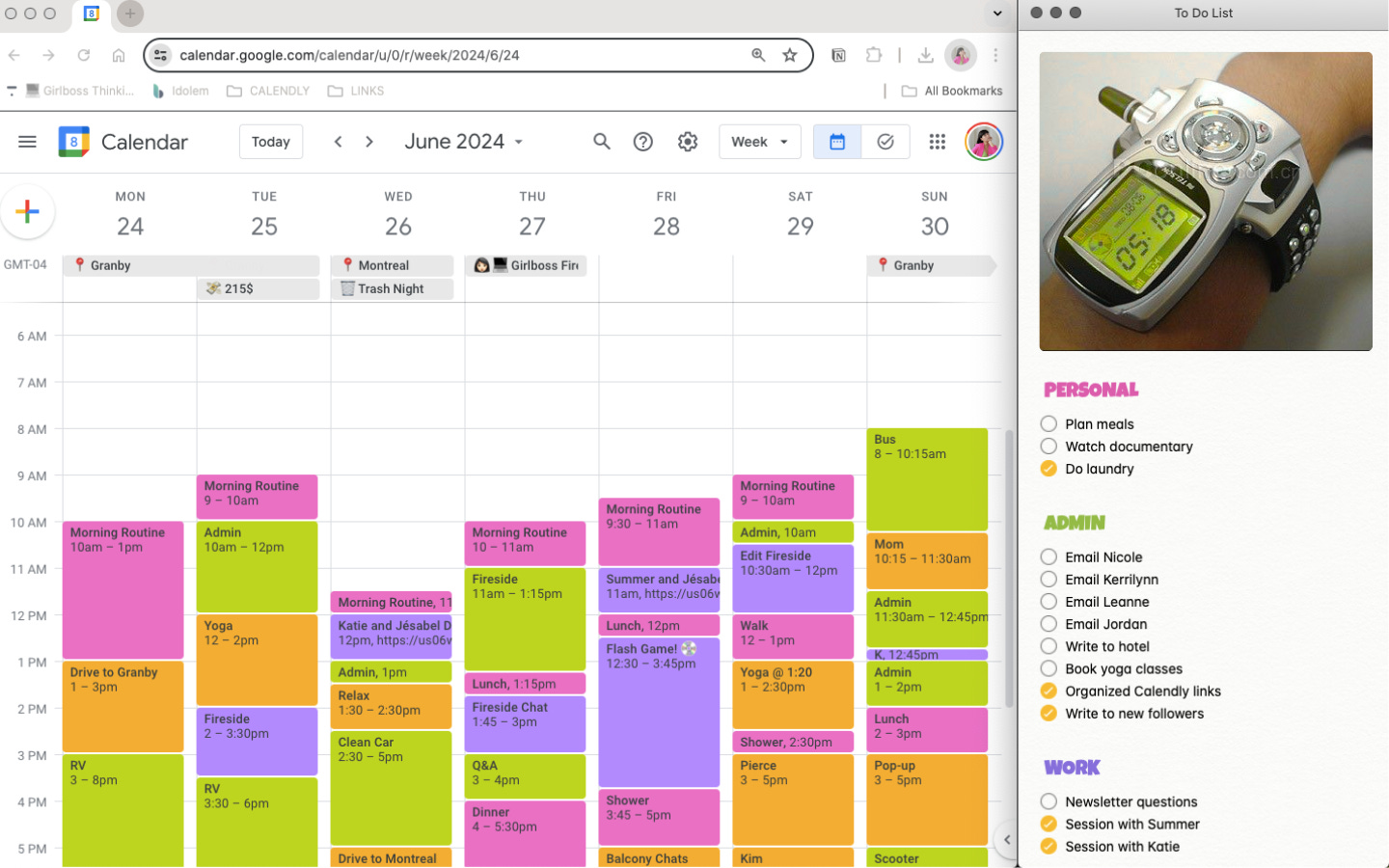
Anywaysss, this is my digital world. Inspired by the aesthetic of the early 2000s and visuals from Totally Spies! Very minimal, but loads of cute visual cues and consistency throughout platforms.
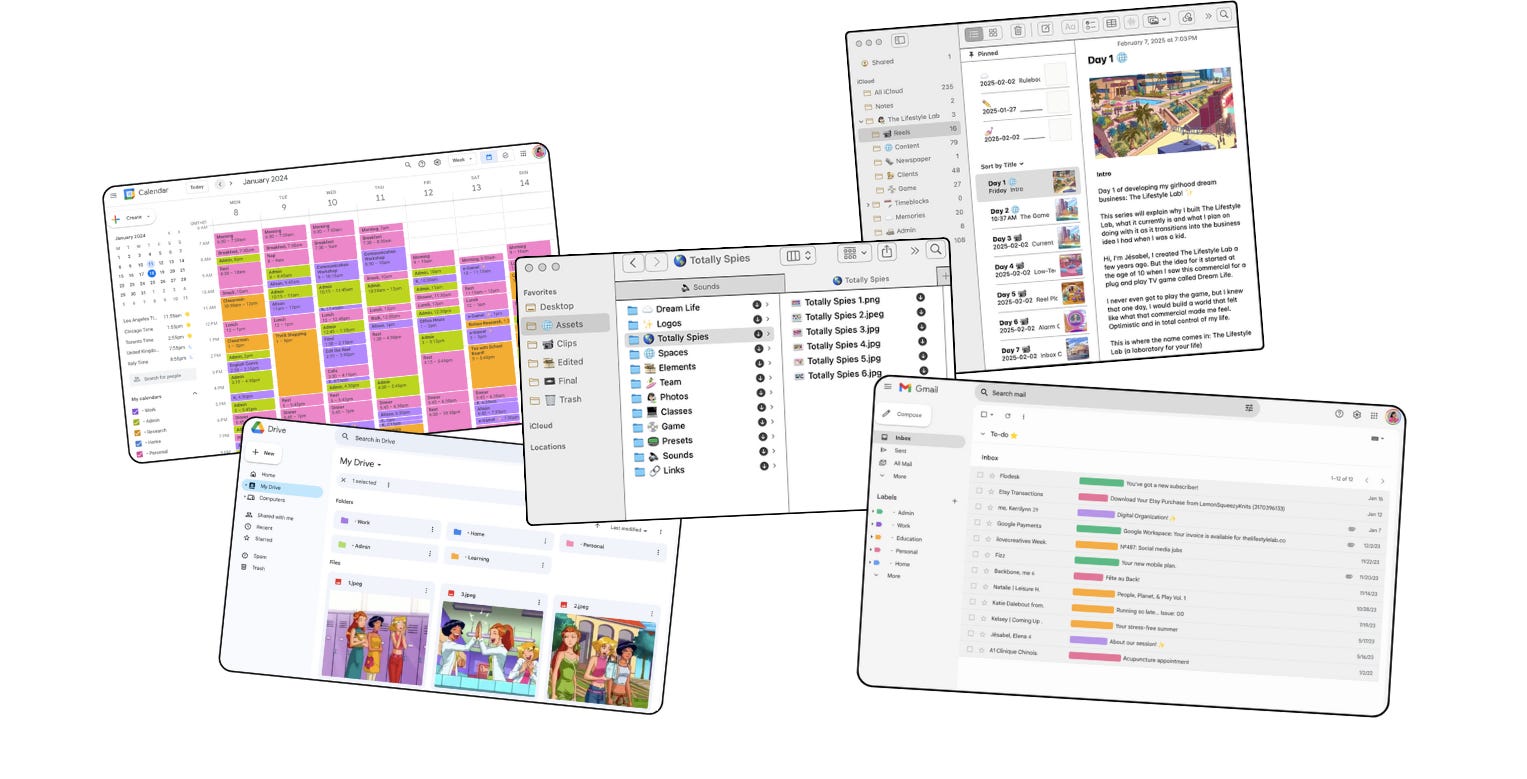
My notes, for example, are very rich. They’re not just randomly written notes and multiple to-do lists that were started at different times. I have one to-do list that I continuously work from and view side-by-side next to my calendar so I can see my time and my tasks as one.
In order for me to respect my to-do list, I need to make sure to close the loop and make that to-do list accessible on every single device, as easily as possible. So I create shortcuts, which are seen here on my phone’s home-screen at the bottom:
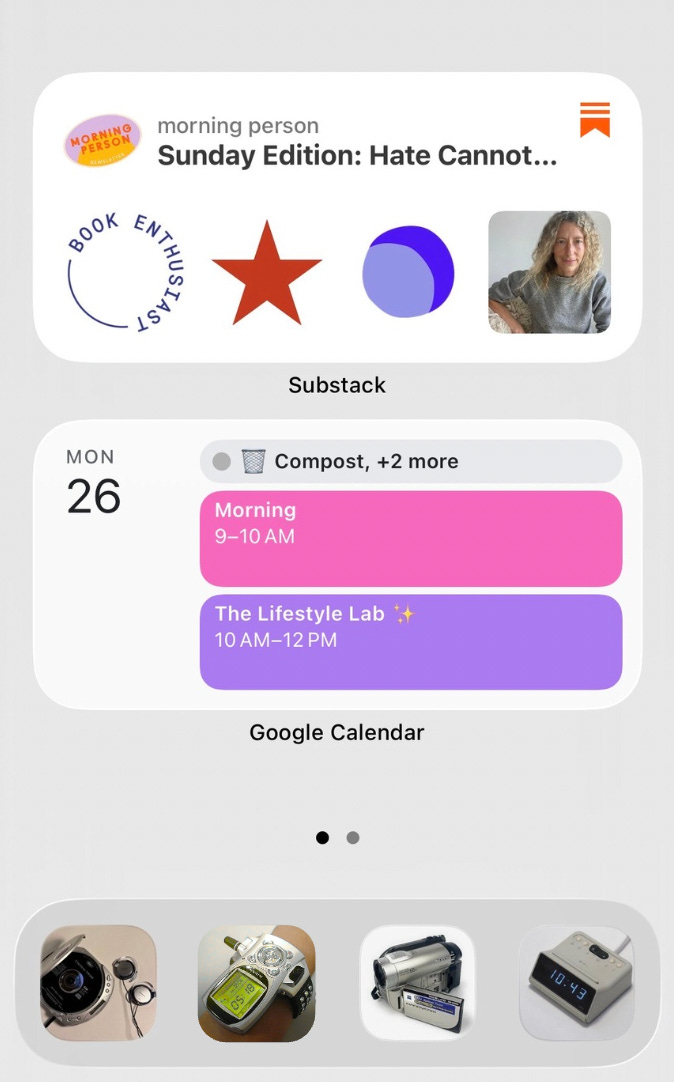
Instead of opening up my Notes app, not finding my note, and starting a new one, I can easily add to it within seconds.
When we last chatted you showed me some incredible Gmail hacks… Would you mind sharing a few here?
My all time favorite Gmail hack is to add a to-do list up at the top to keep track of emails you need to reply to:
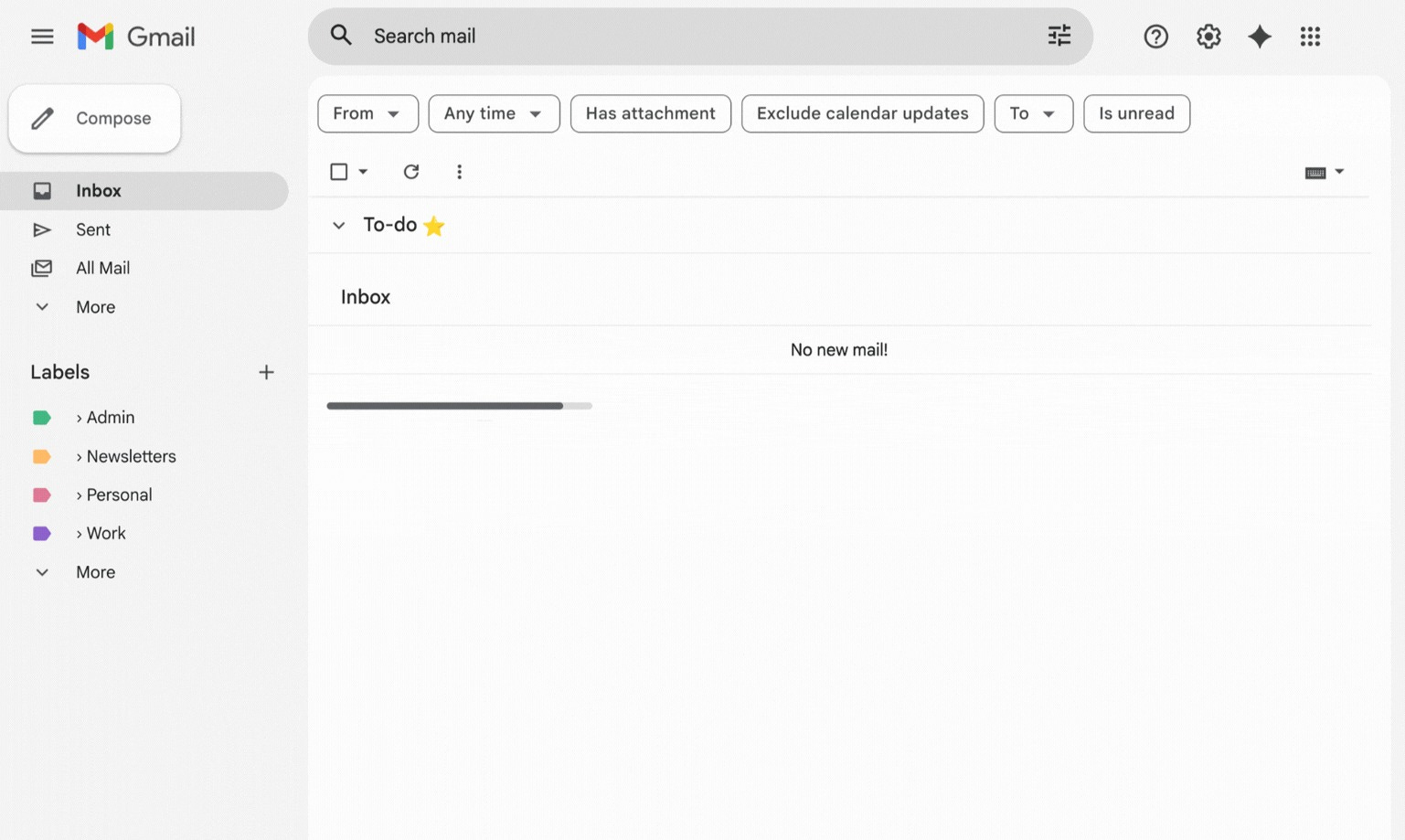
To add your to-do list, go to the gear icon in the upper left corner → see all settings → inbox → inbox type → multiple inboxes → in section 1, enter has:yellow-star and name it To-do ⭐ → erase anything in section 2 → save.
Now, anything starred will appear in your to-do list at the top of your inbox.
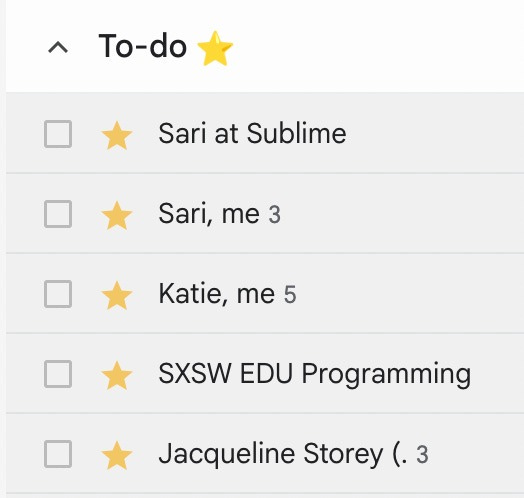
Note: If your inbox is currently split up between promotions, social, etc, doing this next step will combine all of this into one inbox. I suggest you pair down your newsletters/promotional emails before doing this otherwise you might find yourself with a flood of newsletters suddenly in your main inbox. This is reversible though so you can try it out and then revert back—no stress.
Editor’s note: Jésabel has an entire class on how to set this all up step-by-step, from quickly decluttering to setting up simple folders to filtering recurring emails to inbox upkeep.
Do you have any other quick, low-lift tips you can share with us that will make a big impact in our digital experience?
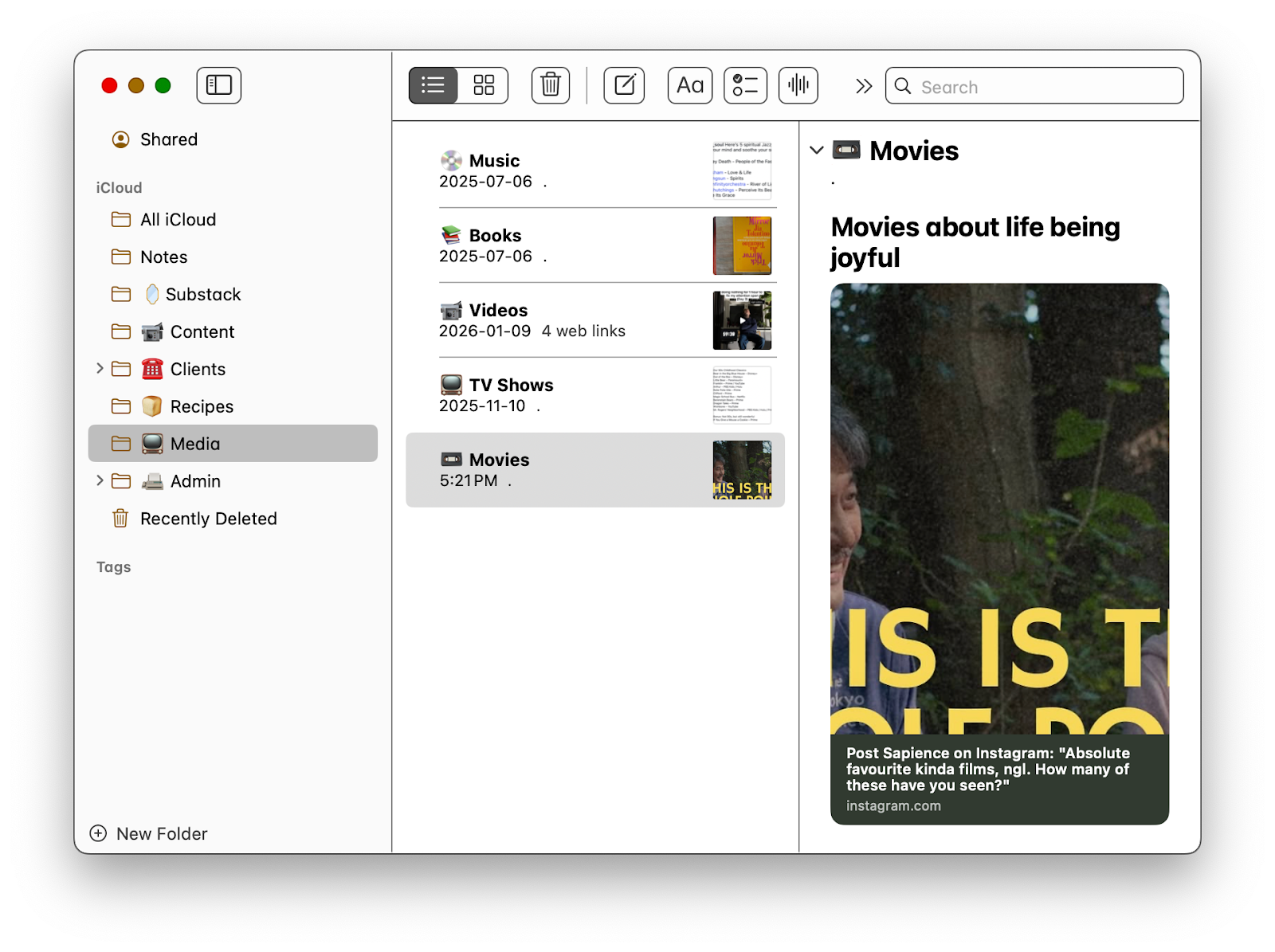
Yes, oh my gosssssh: saving digital inspo to notes instead of random screenshots and Instagram saves you’ll never refer back to.
I recently wrote this guide that shows exactly how I save digital inspiration in my Notes. It shows you how you can save literally anything on the internet and send it to a specific Note, that way you have it all in one space and can actually refer back to it when you need to.
Anything else you want to add?
I’ve worked with a lot of people, spanning from different industries and levels in their career, all of which feel a lot of guilt around the mess in our digital lives.
If that’s you, please know this:
We’re all struggling. From CEOs of huge companies to moms with side projects, from celebrities to those just starting out.
It doesn’t matter who you are. It’s happening to all of us because our brains are just not wired for the expansiveness of digital potential—it’s simply too much. Which is why we need to create containers for ourselves in low-tech spaces rather than go high-tech.
So rest assured—there’s nothing wrong with you. There is, however, something very wrong with our technology. It’s not built for the human brain, and certainly not for our nervous systems. Let the guilt go, start tweaking your settings and rebuild your relationship with technology.
I cannot thank Jésabel enough for sharing these ordinarily paywalled tips with us, and for making me feel a lot better about my personal technology use. If you want to work with her directly, you can put some time on her calendar here. You can also subscribe to her Substack and follow her on Instagram for more of these low-tech tips in her signature, highly digestible format.
If you have any follow-up Qs, feel free to drop them in the comments and we’ll see if we can get them answered. That’s all for now. Reply to this email or leave a comment if you want to reach me. :)


Unfortunately Kareem is partially to blame. Not calling him out, just calling him in.
BRILLIANT. Brb, color-coding my cal immediately (and that's just step 1...)
a+ conversation and bernie meme!